| What “cold sublimation” usually means | In standard dye-sublimation printing, “cold peel” generally describes transfer paper that is peeled after it has cooled. The dye itself is transferred using heat; it is not a room-temperature printing process. | Confirm whether a supplier means cold-peel paper, a cooling step, or a different transfer technology. |
| Basic equipment | A sublimation printer, compatible sublimation ink and transfer paper, a heat press, and a computer with suitable design software. | Check that the printer’s ink delivery system and the paper are compatible with the intended workflow. |
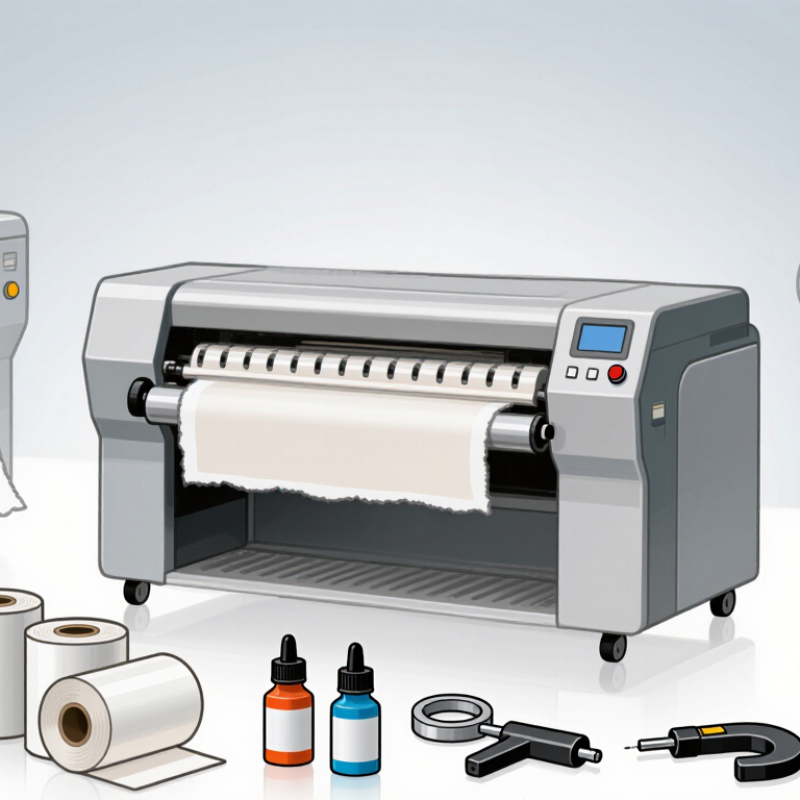
| Printer format | Desktop systems commonly handle sheet sizes such as A4 or A3. Production systems may use roll media, with available print widths varying by machine. | Choose a format based on the largest artwork and expected production volume, not print width alone. |
| Transfer method | Printed transfer paper is positioned against a suitable substrate and pressed with controlled heat and pressure. The paper is peeled according to its instructions, which may require cooling first. | Follow the paper and substrate manufacturer’s temperature, time, pressure, and peeling guidance. |
| Common starting conditions | Many polyester textile workflows begin around 180–200°C (356–392°F) for roughly 30–60 seconds, but the correct settings vary by fabric, press, transfer paper, and design. | Treat these figures as a starting range only. Test a sample and adjust to prevent fading, scorching, ghosting, or poor transfer. |
| Suitable materials | Sublimation is commonly used on white or light-colored polyester textiles and items with a compatible polymer coating. It does not directly dye untreated cotton in the same way. | Verify the material composition and coating. A substrate marketed as “sublimation-ready” should still be tested. |
| Best setup for small batches | A desktop sheet-fed printer paired with a flat heat press can suit samples, personalized items, and low-volume production. | Consider usable press area, temperature consistency, pressure adjustment, and the availability of replacement parts. |
| Best setup for larger production | A roll-fed printer and a suitable calendar or production heat press can support longer runs and wider designs. | Compare actual throughput, media handling, maintenance needs, power requirements, and workspace needs. |
| How to choose a machine | Match the printer and press to your product size, daily output, material type, color requirements, and available workspace. | Request sample prints, confirm software and operating-system compatibility, and check service and consumables availability. |
| Important limitation | There is no single “best” machine for every application, and a cold-peel transfer does not remove the need for heat in conventional sublimation. | Compare complete workflows rather than relying on the term “cold sublimation” alone. |
| Note: Specifications and processing conditions vary by equipment, ink, transfer paper, and substrate. Confirm current manufacturer instructions and test materials before production. |



 © Copyright 2020 Tianjin Tanghaidongyang Valve Co., Ltd. All Rights Reserved.