How to Choose the Best Industrial Touch Display in 2026
Check the full signal path, not just the display’s video input. Confirm that the controller provides a compatible HDMI, DisplayPort, or USB-C output, and that touch data has a supported USB or serial connection.
IoT Analytics’ State of IoT—Spring 2024 report estimated 16.6 billion connected IoT devices at the end of 2023, with 18.8 billion forecast for 2024. That growing ecosystem makes interface and driver checks more important, though a display’s compatibility still depends on your specific equipment.
Verify resolution, operating-system support, available ports, and cable reach before ordering. Small mismatch, big delay.
Mounting needs equal attention. Measure the panel cutout, rear clearance, enclosure depth, and mounting-hole pattern against the display’s drawings. A VESA pattern may fit the arm but not the cabinet; allow space for connectors and cable bends.
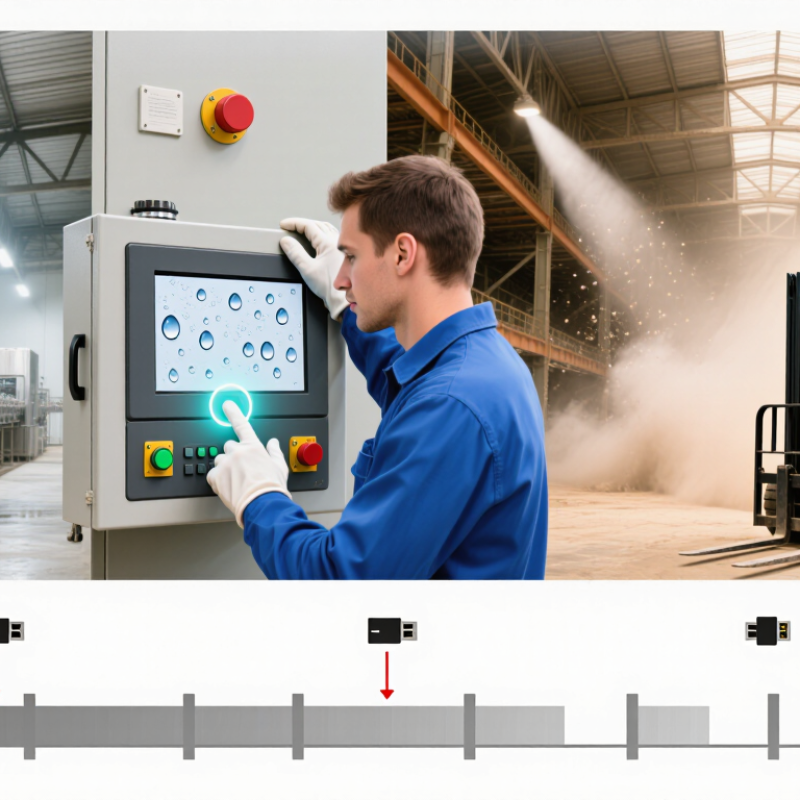
Check screen brightness, operating temperature, and ingress protection against the actual location, such as a sunlit line or washdown area.
I have seen installation plans miss the connector clearance. It is an easy detail to overlook.
Tip: Photograph the controller ports and measure the mounting area before requesting a quote. Share those details with the supplier, then confirm the interface, touch driver, and mounting dimensions in writing. For a prototype, test the display with the real controller and cables; bench compatibility can still fail inside a crowded enclosure.


 © Copyright 2020 Tianjin Tanghaidongyang Valve Co., Ltd. All Rights Reserved.