Set a Performance Baseline: 4K Resolution, 20-Point Touch, and 60Hz
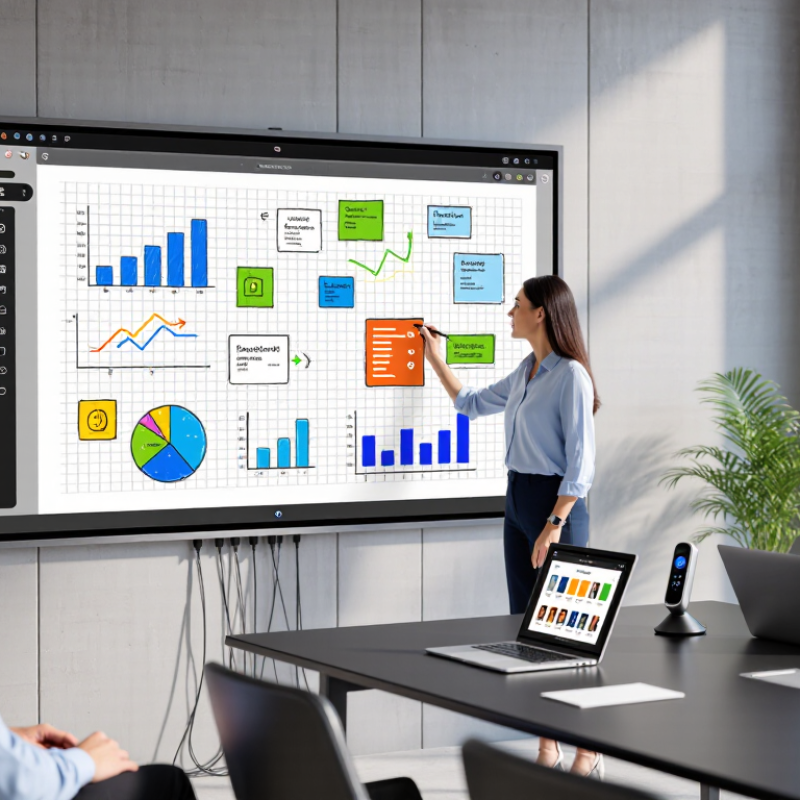
A reliable smart whiteboard should meet a clear performance baseline before extra features enter the discussion. Start with 4K resolution. It keeps small spreadsheet figures, product diagrams, and handwritten notes sharp across a meeting room. At three meters, thin gray lines should remain visible without forcing people forward.
Touch performance matters just as much. A 20-point touch system allows several participants to write, move objects, or annotate together. During a workshop, this can prevent awkward pauses when two users reach for the same digital canvas. Test it with different pen speeds and hand sizes. Specifications alone can be misleading.
Refresh rate is the third checkpoint. A 60Hz display usually provides smooth writing and natural cursor movement. Watch for broken strokes or delayed ink during a live demonstration. I have seen impressive screens struggle when many objects moved at once. That experience changed my testing method. I now open a large presentation, draw quickly, and invite several users to interact simultaneously.
Room conditions also deserve attention. Bright windows can reveal glare that product sheets rarely mention. Check viewing angles, speaker volume, operating-system compatibility, and screen response after an hour of use. A short trial is useful. A full workday is more honest. Performance should feel dependable when the room becomes crowded, noisy, and slightly uncoordinated.



 © Copyright 2020 Tianjin Tanghaidongyang Valve Co., Ltd. All Rights Reserved.