| Analog | Uses physical gauges and needles, usually with a small display for additional information. | Vehicle speed, engine speed, fuel level, coolant temperature, warning lights, and trip data. | Familiar layout; key readings remain visible without navigating menus. | Layout and displayed information are generally less customizable than on a digital cluster. | Drivers who prefer traditional gauges and straightforward displays. |
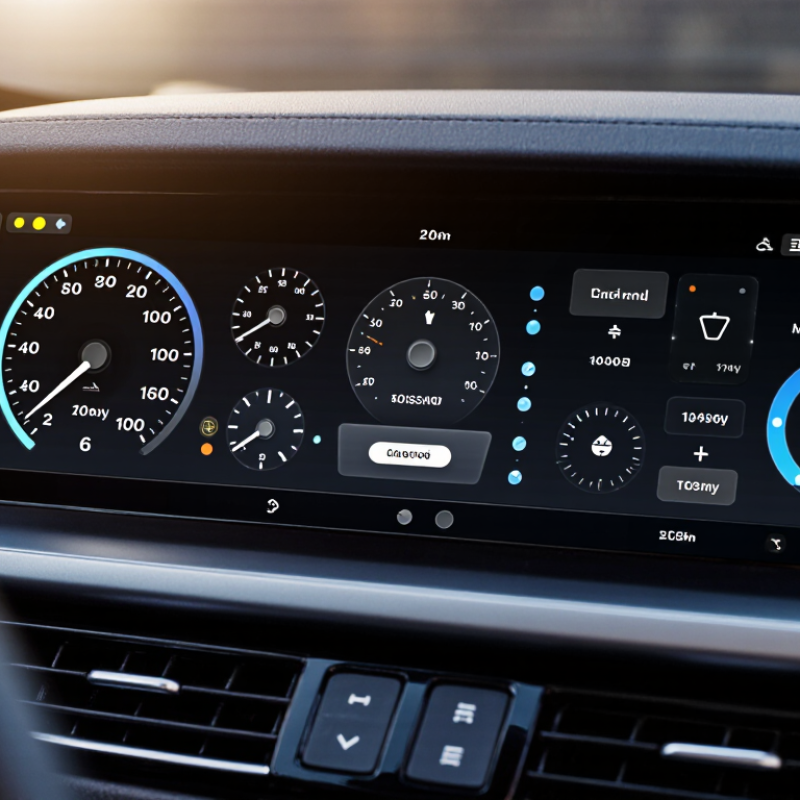
| Digital | Uses an electronic screen in place of most or all physical gauges. | Speed, driver-assistance alerts, navigation prompts, vehicle status, and configurable information panels. | Can change the layout and show different information depending on the vehicle and selected mode. | Check screen readability in bright sunlight, menu simplicity, and whether essential readings are easy to find. | Drivers who want configurable displays and integrated vehicle information. |
| Hybrid | Combines physical gauges with a digital information screen. | Physical speed or engine-speed readings alongside trip, fuel-economy, warning, or assistance information. | Balances familiar gauges with some digital features. | The available digital functions and screen size vary by vehicle. | Drivers who want core readings to remain physical but value additional on-screen information. |
| Basic information display | A simpler cluster that may use warning lights, physical gauges, and a small monochrome or color screen. | Essential vehicle readings, warning indicators, odometer, and basic trip information. | Usually presents core information with a relatively simple layout. | May offer fewer display options and less detailed information than larger digital clusters. | Drivers who prioritize essential information and ease of use. |
| Large-format digital display | A wide electronic cluster screen designed to show several types of information in configurable areas. | Driving readings, navigation guidance, vehicle settings, and available driver-assistance information. | Can provide a broad view of vehicle information and multiple display layouts. | Evaluate glare, contrast, control logic, and whether less-used information can be kept out of the main view. | Drivers who regularly use navigation or want several vehicle functions presented on the cluster. |
| Head-up display (related feature) | Projects selected driving information into the driver’s forward field of view; it is typically separate from the instrument cluster. | Depending on the vehicle, it may show speed, navigation prompts, or selected alerts. | Can let the driver view selected information without looking down at the cluster. | Availability, image position, brightness adjustment, and compatibility with the driver’s seating position vary. | Drivers who want selected information displayed higher in their field of view. |
| Selection checklist | Compare the cluster in the actual vehicle rather than judging it only by screen size or appearance. | Readability, essential readings, warning visibility, controls, customization, and driver-assistance information. | Helps match the display to the driver’s needs and daily driving conditions. | Test it in daylight if possible, review the owner’s manual, and check which functions depend on vehicle options. | Anyone choosing between vehicles or comparing cluster configurations. |



 © Copyright 2020 Tianjin Tanghaidongyang Valve Co., Ltd. All Rights Reserved.